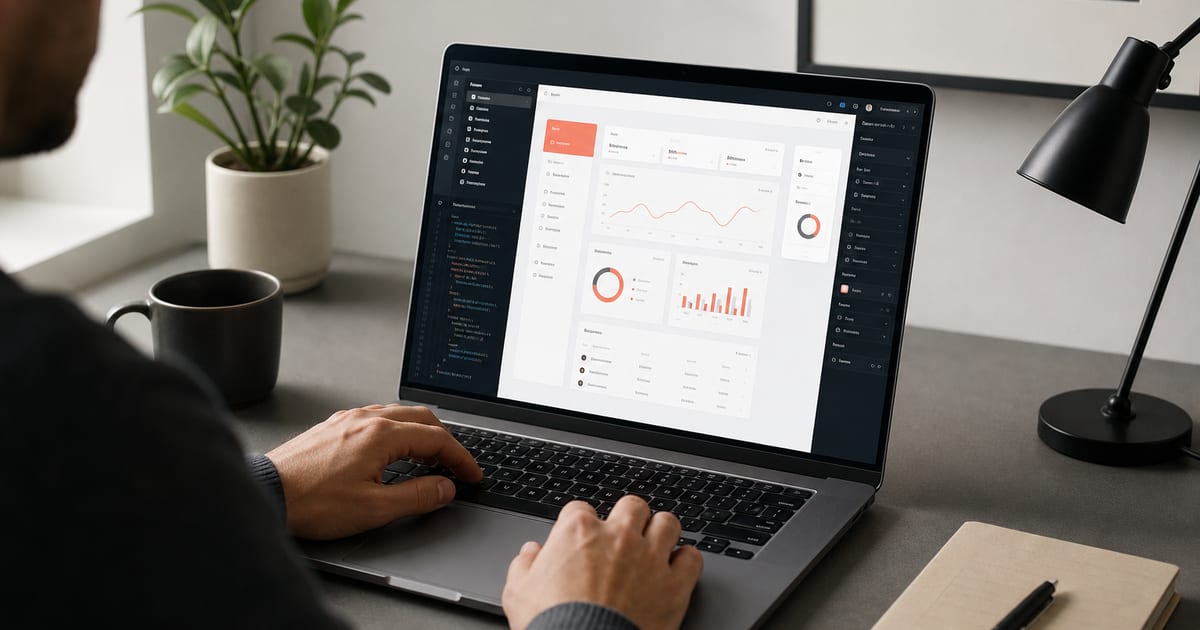
Why v0 needs a brand kit, not a mood board
v0 (and similar AI UI builders) optimize for a polished first draft. Without constraints, each prompt samples a new aesthetic: Inter + indigo, then Geist + emerald, then a random serif hero. That is fine for exploration and fatal for a real product.
A **v0 brand kit** is the same stack you use for Cursor: DESIGN.md, semantic color tokens, font roles, and a short prompt that says "use only these tokens." AI Brand Kits exports those files so you paste once and regenerate with confidence.
This guide is the practical workflow — not a feature tour of v0. For tool-specific landing content see v0 brand kit; below is the SEO-ready playbook founders actually use.
What "consistent" means for AI UI generators
Consistency is not pixel-perfect Figma parity. It is the same primary, the same fonts, the same radius and density across landing, dashboard, and empty states.
- **Same primary & neutrals** — no random indigo/violet defaults
- **Same type pair** — headline + body from your font pair generator
- **Same component language** — shadcn Button/Card patterns, not inventing new chrome
- **Same density** — spacing scale from DESIGN.md, not "make it airy" every time
- **Same logo treatment** — one mark from your logo maker, reused
- **Same copy tone** — brand voice notes in DESIGN.md for CTAs and empty states
v0 brand kit workflow (copy-paste)
Treat v0 like a junior designer who only sees what you paste into the prompt. Front-load tokens every time — or keep DESIGN.md in the project you open in the IDE after export.
- **Step 1 — Build the kit.** Use the brand kit generator or playground; import a URL if you already have a site.
- **Step 2 — Export DESIGN.md + tokens.** Free DESIGN.md download; sign in for tokens.json / CSS variables zip.
- **Step 3 — Write a brand preamble.** Paste colors, fonts, radius, and "do not invent new hex" into the first v0 message.
- **Step 4 — Generate one shell.** Ask for layout + navigation first with tokens locked; then fill pages.
- **Step 5 — Move to Cursor/Claude.** Drop DESIGN.md into the repo and continue features with AI coding agent brand kit rules.
- **Step 6 — Re-prompt with diffs.** When regenerating a section, paste the same token block again — never rely on chat memory alone.
Best prompts to lock brand in v0
Short, token-first prompts beat long aesthetic essays. Lead with constraints, then the screen you want.
- "Use only these CSS variables: … Headline font X, body font Y. Build a settings page."
- "Follow DESIGN.md tokens below. shadcn/ui. No new colors. Marketing hero for a fintech API."
- "Match the dashboard shell from the previous generation; only replace the table section."
- Agency tip — keep a client preamble snippet next to each saved kit
FAQ
- Does v0 read DESIGN.md from my repo automatically?
- Not reliably across every flow. Paste the token section into prompts, then commit DESIGN.md when you move code into Cursor or Claude Code so later agents keep the brand.
- Should I use Tailwind classes or CSS variables with v0?
- Both work. Semantic classes (bg-primary) mapped to CSS variables travel better into a Next.js app. Export Tailwind-friendly tokens from AI Brand Kits via DESIGN.md Tailwind export.
- How do I stop v0 from switching fonts?
- Name exact Google Fonts in the preamble and say "do not substitute fonts." Put the same pair in DESIGN.md for the IDE phase.
- Is this only for shadcn/ui?
- No, but shadcn + Tailwind is the most common v0 path. The brand kit idea — semantic tokens + DESIGN.md — works for any stack.
- What is the difference between a v0 prompt and a brand kit?
- A prompt is ephemeral. A brand kit is durable files (DESIGN.md, tokens) you reuse across v0, Cursor, Claude, and teammates.
Related
Free tools
Interactive utilities you can use without an account. Each tool links to related guides and export workflows across the site.