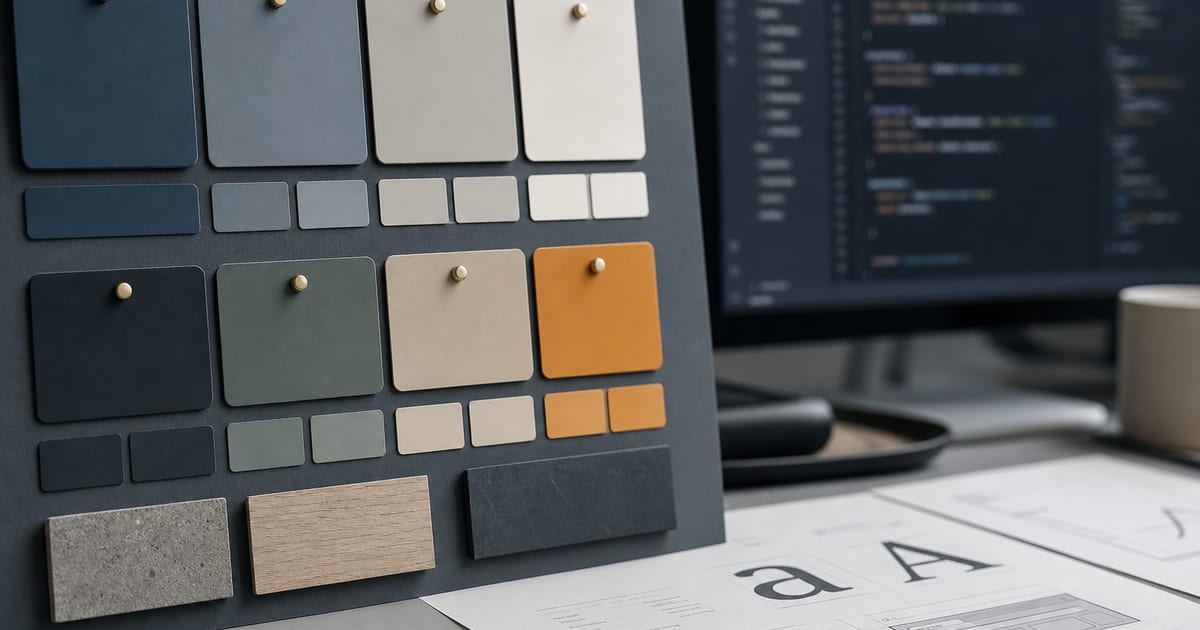
What "semantic" means (and why agents care)
**Semantic design tokens** name roles, not paint chips: `primary`, `muted`, `border`, `foreground`, `card`. The hex value can change; the role stays stable. That is the difference between `bg-[#3B82F6]` (a one-off) and `bg-primary` (a system).
AI coding agents are statistically drawn to Tailwind's default palette. If your repo does not define semantic tokens — and rules that forbid raw hex — the model will keep picking sky-500 forever. Pair tokens with DESIGN.md and you get enforceable brand consistency.
AI Brand Kits generates a nine-token semantic palette plus font roles you can export as CSS variables, Tailwind theme config, and tokens.json.
The token set AI agents actually use
You do not need 200 tokens on day one. A tight semantic set covers 90% of SaaS UI and fits in agent context windows.
- **background / foreground** — page canvas and default text
- **card / card-foreground** — elevated surfaces
- **primary / primary-foreground** — CTAs and key accents
- **muted / muted-foreground** — secondary text and subtle fills
- **accent / accent-foreground** — highlights without competing with primary
- **border / input / ring** — structure and focus states
- **font-heading / font-body** — type roles, not a dozen families
- **radius** — one radius token beats random rounded-2xl everywhere
Wire tokens into an AI-friendly stack
Agents follow whatever is easiest. Put tokens in CSS variables and Tailwind `@theme` (or `tailwind.config`) so `bg-primary` just works when the model writes class names.
- **1. Generate the palette** — brand color palette generator or full kit in the playground
- **2. Export CSS variables** — `:root { --primary: … }` documented in DESIGN.md
- **3. Map Tailwind utilities** — `bg-primary` → `var(--primary)` via DESIGN.md Tailwind export
- **4. Add tokens.json** — for JS theme providers and design tooling (tokens.json brand kit)
- **5. Ban raw hex in rules** — Cursor alwaysApply: no `#` colors in components
- **6. Preview live** — live brand preview tool before you commit
Hex drift: symptoms and fixes
If two buttons on the same page use different blues, you have hex drift. If marketing uses Inter and the app uses Geist, you have type drift. Semantic tokens plus DESIGN.md fix both.
- **Symptom:** agent adds `text-blue-600` next to `bg-primary` — **Fix:** rule + lint for arbitrary colors
- **Symptom:** dark mode breaks — **Fix:** semantic tokens with dark variants in CSS variables
- **Symptom:** client rebrand — **Fix:** change token values once; components keep role names
- **Symptom:** multi-agent chaos — **Fix:** shared export for AI agents
FAQ
- Are semantic tokens the same as a design system?
- Tokens are the foundation of a design system, not the whole system. Start with tokens + DESIGN.md; add components later. See brand kit vs design system.
- How many color tokens do I need?
- Start with about nine semantic colors (background, foreground, card, primary, accent, muted, border, and on-color pairs). Add success/warning/danger when product UI needs them.
- Should tokens live in JSON or CSS?
- Use both when you can: CSS variables for runtime theming, tokens.json for tooling and documentation. AI Brand Kits can export both via the tokens.json brand kit flow.
- Do semantic tokens help with accessibility?
- Yes — you can check contrast on roles (primary on primary-foreground) instead of chasing one-off hex pairs. Use the brand accessibility checker.
- What about font tokens?
- Define font-heading and font-body (and optional mono). Agents should never introduce a third display font without an explicit ask.
Related
Free tools
Interactive utilities you can use without an account. Each tool links to related guides and export workflows across the site.