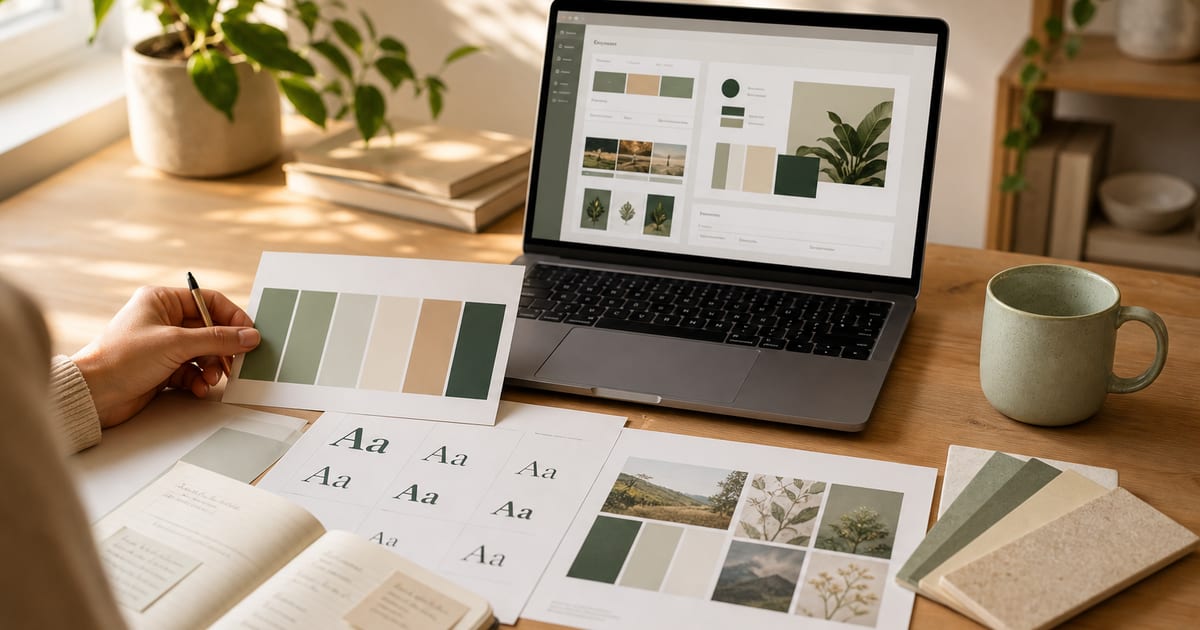
Why a brand kit before you ship UI
Most founders and indie hackers lose hours to inconsistent colors, random Google Fonts, and AI tools that invent a new palette on every prompt. A brand kit fixes that: one set of semantic tokens (primary, muted, surface, border) plus headline and body fonts that every screen and every agent follows.
You do not need Figma or a brand agency to start. With AI Brand Kits you can import an existing site URL, extract CSS variables and font families automatically, tweak tokens in the playground, and download DESIGN.md in under ten minutes.
This tutorial covers both workflows — **URL import** when you already have a site or competitor reference, and **generator-first** when you are starting from scratch. Both paths end with the same export files your coding agents need.
What counts as a complete brand kit
A kit your AI coding tools can actually use is more than a logo PNG. It is structured design authority: named tokens, font roles, spacing guidance, and a markdown file agents read at session start.
- **Nine semantic colors** — background, foreground, card, primary, accent, muted, border, and text-on-color pairs (color palette generator)
- **Headline + body font pair** — curated Google Fonts with live preview (font pair generator)
- **Logo mark** — Lucide icon or lettermark synced to your primary color (logo maker)
- **DESIGN.md** — markdown with CSS variables, Tailwind config, and component rules (free download)
- **Optional .zip** — Next.js starter, agent rules, favicons, and og-image when you sign in free
- **Agent files** — AGENTS.md and Cursor/Claude rules from the playground export panel
Step-by-step: brand kit in under 10 minutes
Follow these steps in order. Steps 1–3 take about three minutes if you use URL import; steps 4–7 add refinement and export.
- **Step 1 — Open the generator.** Go to the homepage or scroll to the URL Kit Importer below. No account needed for DESIGN.md.
- **Step 2 — Import a URL (fastest path).** Paste any public site URL — your landing page, a competitor, or a site whose vibe you want. The importer extracts CSS custom properties, computed colors, and font-family stacks from the live page.
- **Step 3 — Review the import breakdown.** Check how many CSS variables were found, which fonts were detected, and the mapped semantic tokens. Click **Open in playground** to refine.
- **Step 4 — Name your kit and set the vibe.** In the playground, give the kit a product name. The vibe field helps agents understand tone (e.g. "Professional fintech SaaS").
- **Step 5 — Refine typography.** Use **Randomize fonts** or pick a curated pair. Preview headings, body copy, buttons, and forms in the live preview tabs.
- **Step 6 — Tune colors.** Edit individual tokens or shuffle palettes. Every change updates the landing preview, cards, and tables instantly.
- **Step 7 — Add a logo (optional).** Pick a Lucide icon or monogram in the logo section. Colors stay synced to your primary token.
- **Step 8 — Export DESIGN.md.** Download or copy DESIGN.md from the export panel. Commit it to your repo root so Cursor and Claude follow your brand.
- **Step 9 — Sign in for full bundle (optional).** Free account unlocks .zip export with tokens.json, Next.js starter, and agent rule folders.
URL import vs starting from scratch
**Use URL import when** you are rebranding an existing site, matching a competitor aesthetic, or pulling tokens from a Webflow/Framer landing page you already shipped. The Chrome extension does the same extraction from any open browser tab.
**Use generator-first when** you are pre-launch with no site yet. Click a sample palette on the homepage, randomize fonts, and iterate until the preview feels right. Browse the gallery to fork a community kit as a starting point.
Either way, the ten-minute goal is realistic: import or randomize (2 min), refine in playground (5 min), export DESIGN.md (1 min), paste into your agent session (2 min).
- SaaS landing pages — import your marketing site, export tokens for the app dashboard
- Client work — import client URL, deliver DESIGN.md + .zip in one sitting
- AI app builds — pair with Cursor rules and v0 brand kit workflow
- Design system handoff — tokens.json plus DESIGN.md for engineering
FAQ
- Can I create a brand kit without importing a URL?
- Yes. Use the homepage generator or brand kit generator to randomize fonts and colors, or fork a kit from the gallery. URL import is optional and saves time when you have a reference site.
- What URLs work with the importer?
- Any public HTTPS site with CSS custom properties or visible font/color styles. Single-page apps may expose fewer variables; try the site’s marketing homepage or use the Chrome extension on a fully rendered tab.
- Is DESIGN.md really free?
- Yes. Download and copy DESIGN.md with no account. Sign in free for .zip bundles, logo packs, Open Graph assets, and saved kits in your dashboard.
- How do I use the brand kit with Cursor or Claude Code?
- Place DESIGN.md in your repo root. Add AGENTS.md with one line: follow DESIGN.md for all UI. See how to make Cursor follow my brand for the full workflow.
- How long does URL import take?
- Usually under 30 seconds. Extraction runs server-side; you see fonts, colors, and a kit preview immediately after the URL is processed.
- Can I save and edit the kit later?
- Yes. Sign in to save kits to your dashboard, reload them anytime, and re-export when colors change. Local playground edits persist in your browser until you save.
Related
Free tools
Interactive utilities you can use without an account. Each tool links to related guides and export workflows across the site.